Penny
This example visualizes the normal and depth fields of a reconstructed penny model.
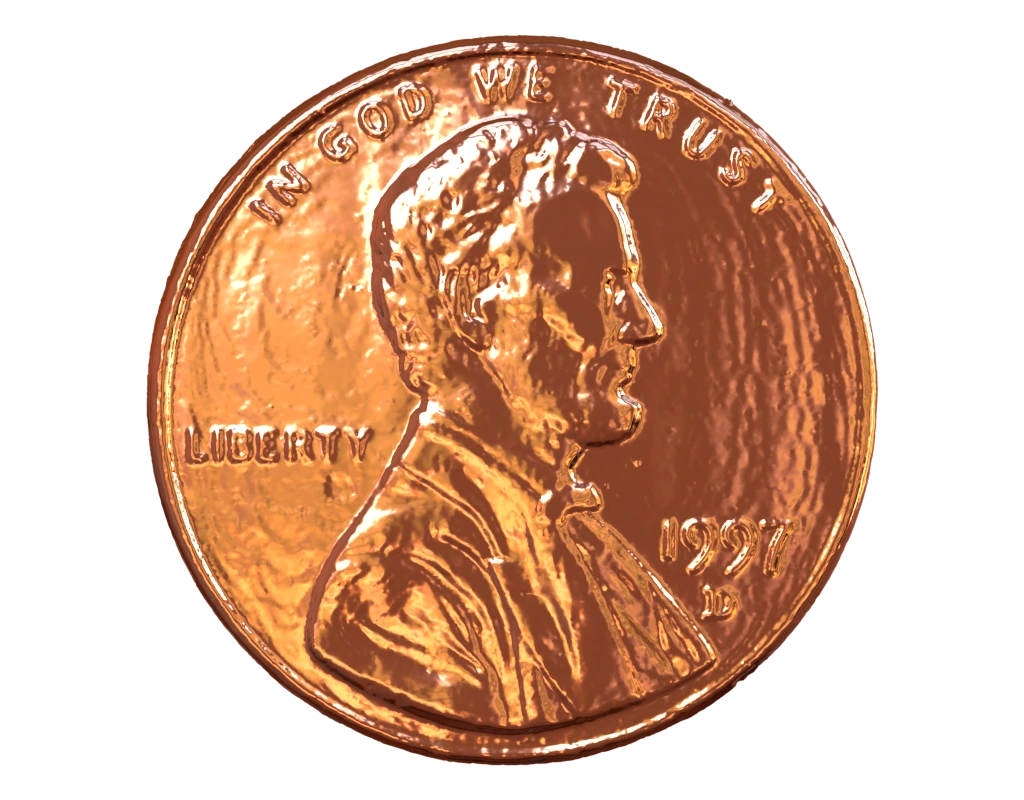
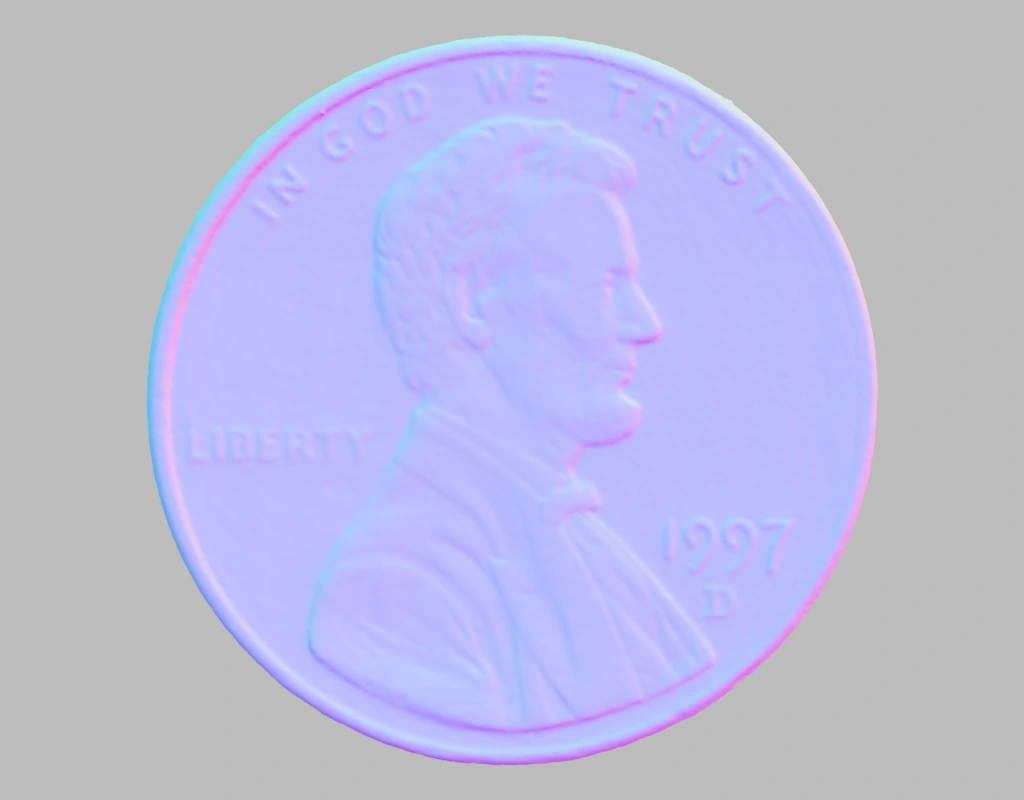
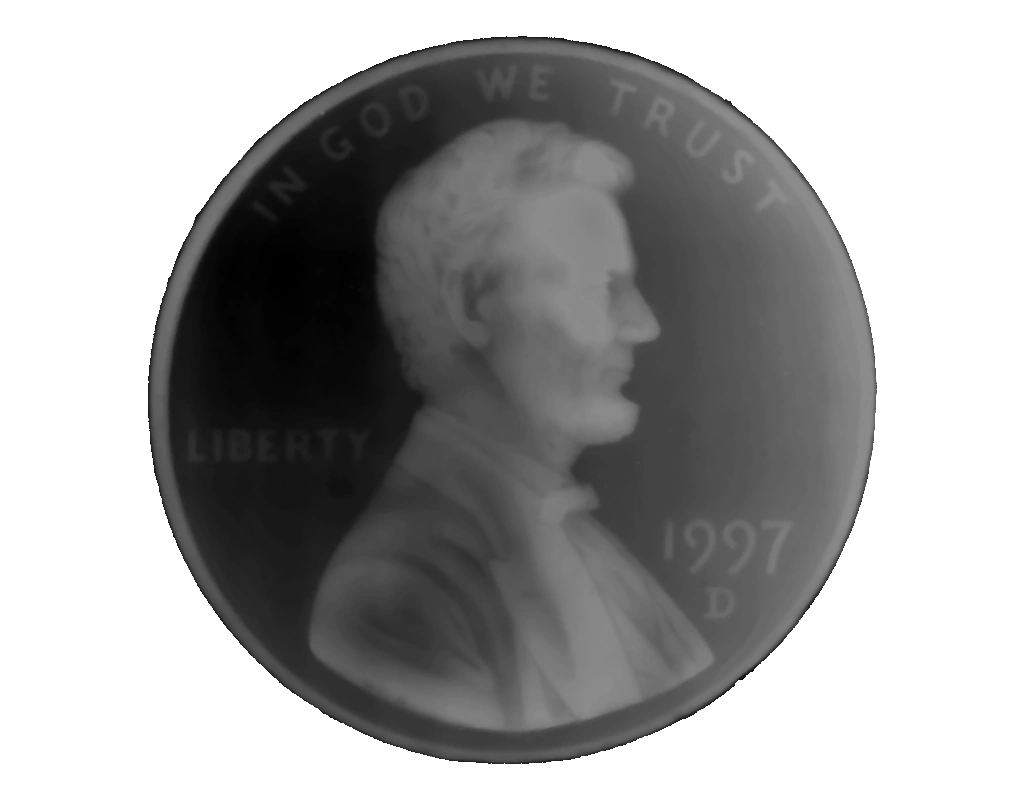
Data
The data used in this model is generated from depth map images from GIGAmacro. It is converted to mesh using project Lagrange.
Input contract
mesh: surface fromdata/penny.glb; no pre-existing attributes required.
Reproduce and inspect
Python · Manifest · Inspection · Canonical JSON · Validation
Code
#!/usr/bin/env python

import hakowan as hkw

# Blender provides faithful conductor albedo for this multi-pass example.
hkw.set_default_backend("blender")

# Step 1: Generate a base layer with normal and depth attributes.
base = hkw.layer("data/penny.glb").transform(
    hkw.transform.Compute(normal="normal", z="depth")
)

# Step 2: Render with copper material.
l0 = base.name("Penny").material("RoughConductor", "Cu")

# Step 3: Declare the camera and render passes as reproducible scene intent.
scene = hkw.SceneSettings(
    camera=hkw.PerspectiveCamera(eye=(0, 0, 3)),
    output=hkw.OutputSettings(passes=("beauty", "albedo", "depth", "normal")),
)
RECIPE_FIGURE = hkw.Figure(l0, scene)
RECIPE_INSPECTIONS = {"mesh": "data/penny.glb"}

# Step 4: Render
hkw.render(RECIPE_FIGURE, filename="results/penny.webp")

# Step 5: Interactive demo
hkw.render(RECIPE_FIGURE, backend="webgl", filename="results/penny.html")