Moon
This example aims to generate 3D visualization of both sides of the moon.
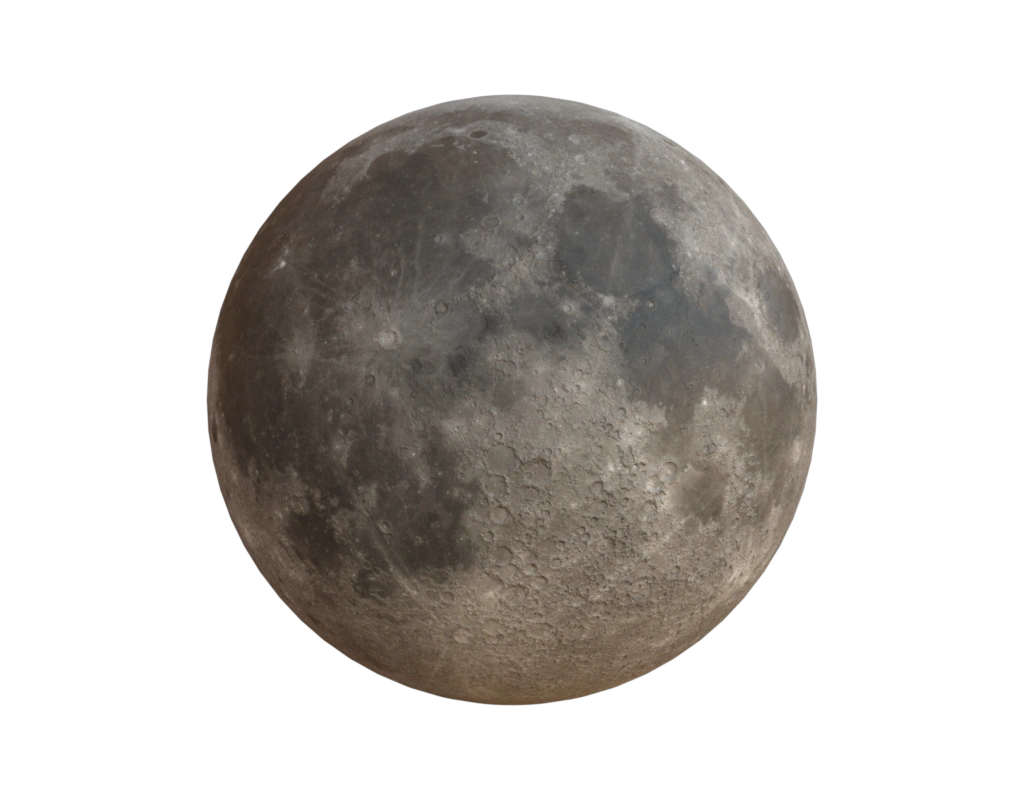
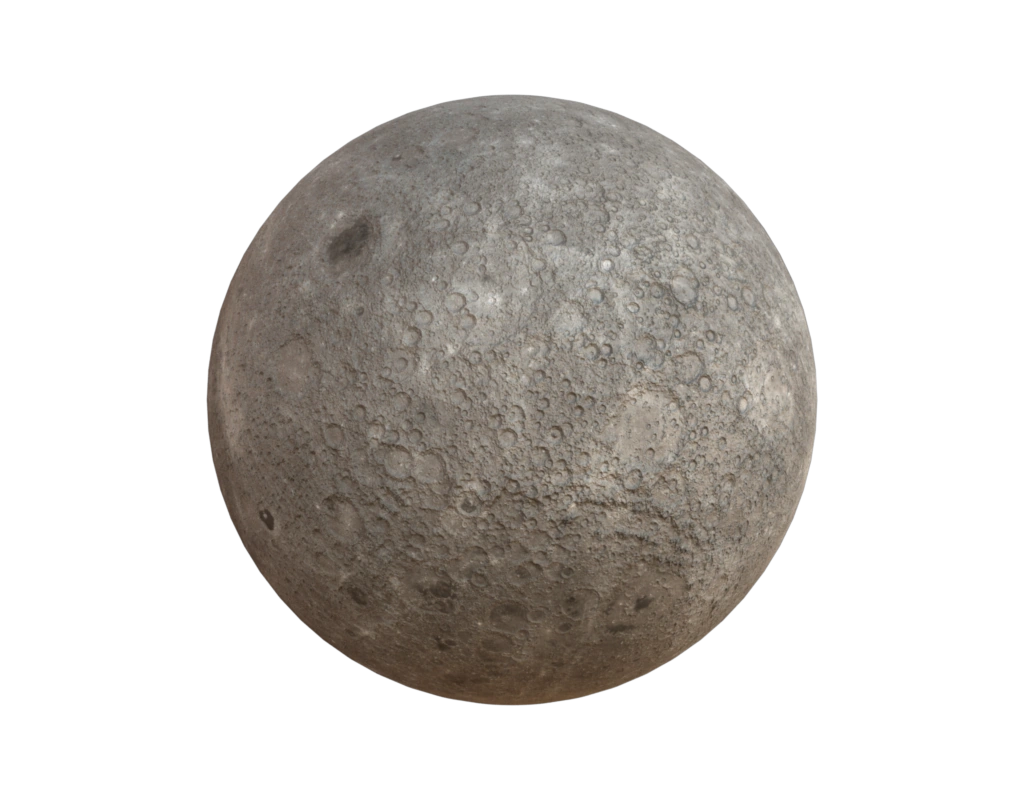
Data
The data used in this example is from NASA's CGI Moon Kit.
Input contract
mesh: surface fromdata/moon.ply; no pre-existing attributes required.
Reproduce and inspect
Python · Manifest · Inspection · Canonical JSON · Validation
Code
#!/usr/bin/env python

import hakowan as hkw
import math

hkw.set_default_backend("mitsuba")


base = (
    hkw.layer("data/moon.ply")
    .name("Moon")
    .channel(
        bump_map=hkw.channel.BumpMap(
            hkw.texture.Image("data/ldem_16_uint.jpg"), scale=0.1
        ),
    )
    .material("Principled", hkw.texture.Image("data/lroc_color_poles_8k.jpg"))
)

# Define both views consistently; the front view is also the recipe figure.
front = base.rotate([0, 0, 1], -math.pi / 2)
back = base.rotate([0, 0, 1], math.pi / 2)

scene = hkw.SceneSettings(
    camera=hkw.PerspectiveCamera(eye=(0, -3, 0), up=(0, 0, 1)),
    environment=hkw.Environment(up=(0, 0, 1)),
)
RECIPE_FIGURE = hkw.Figure(front, scene)
back_figure = hkw.Figure(back, scene)
RECIPE_INSPECTIONS = {"mesh": "data/moon.ply"}

hkw.render(RECIPE_FIGURE, filename="results/moon.webp")
hkw.render(back_figure, filename="results/moon_backside.webp")

# Interactive demo
hkw.render(RECIPE_FIGURE, backend="webgl", filename="results/moon.html")