Incremental Potential Contact
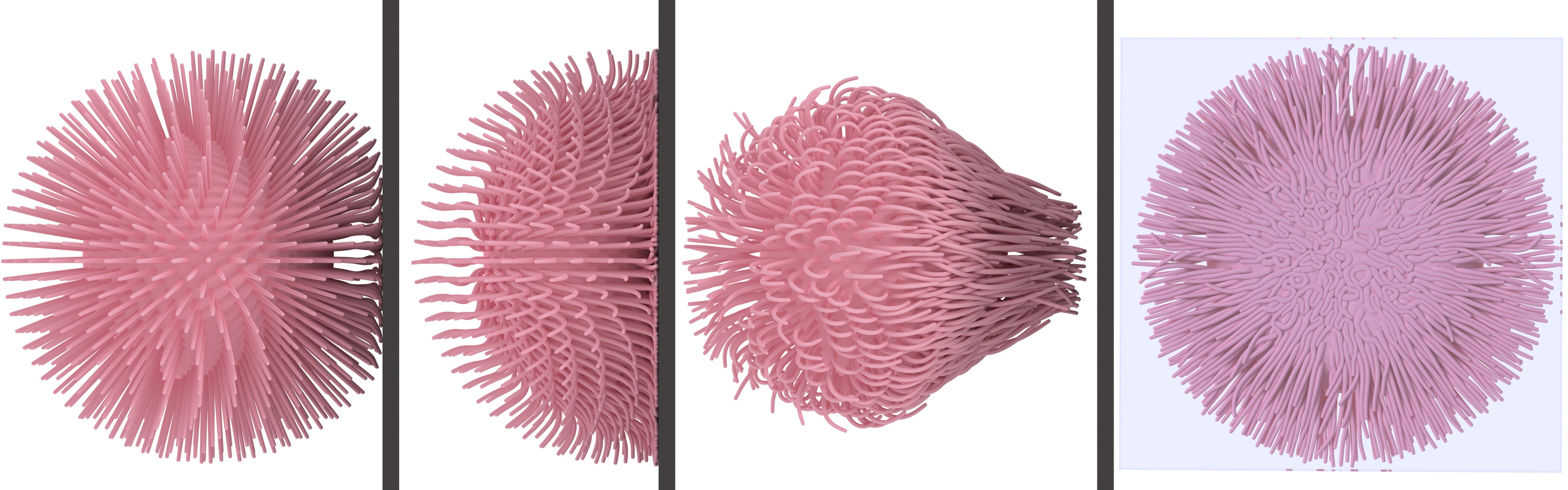
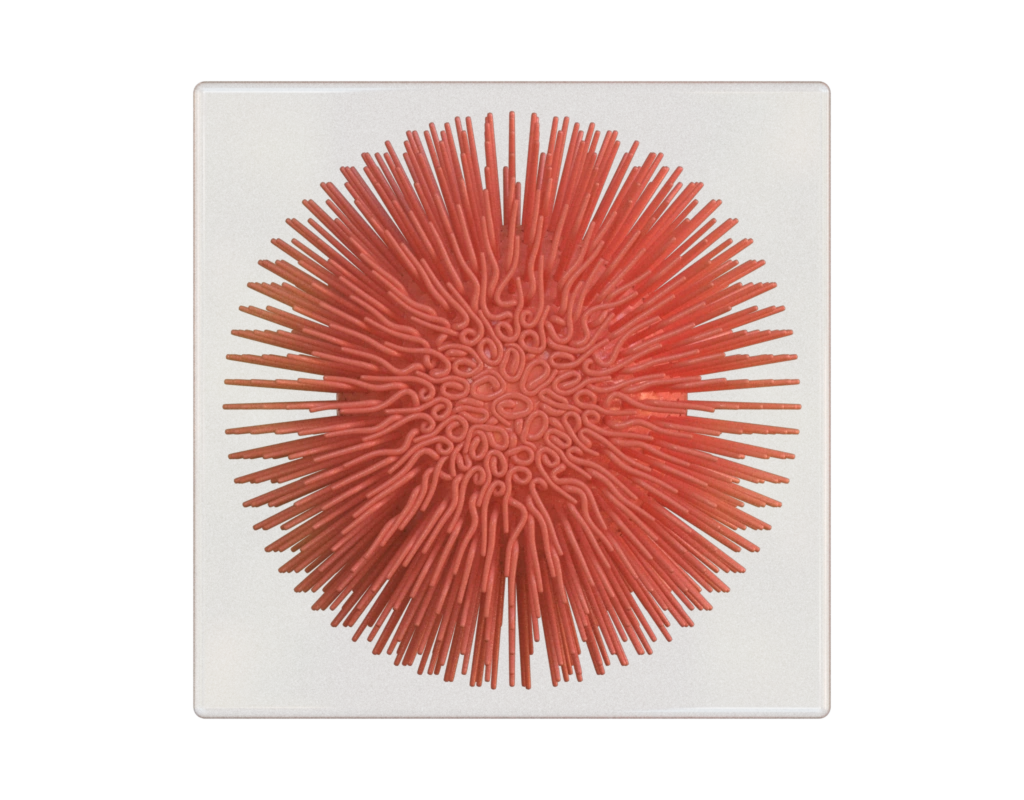
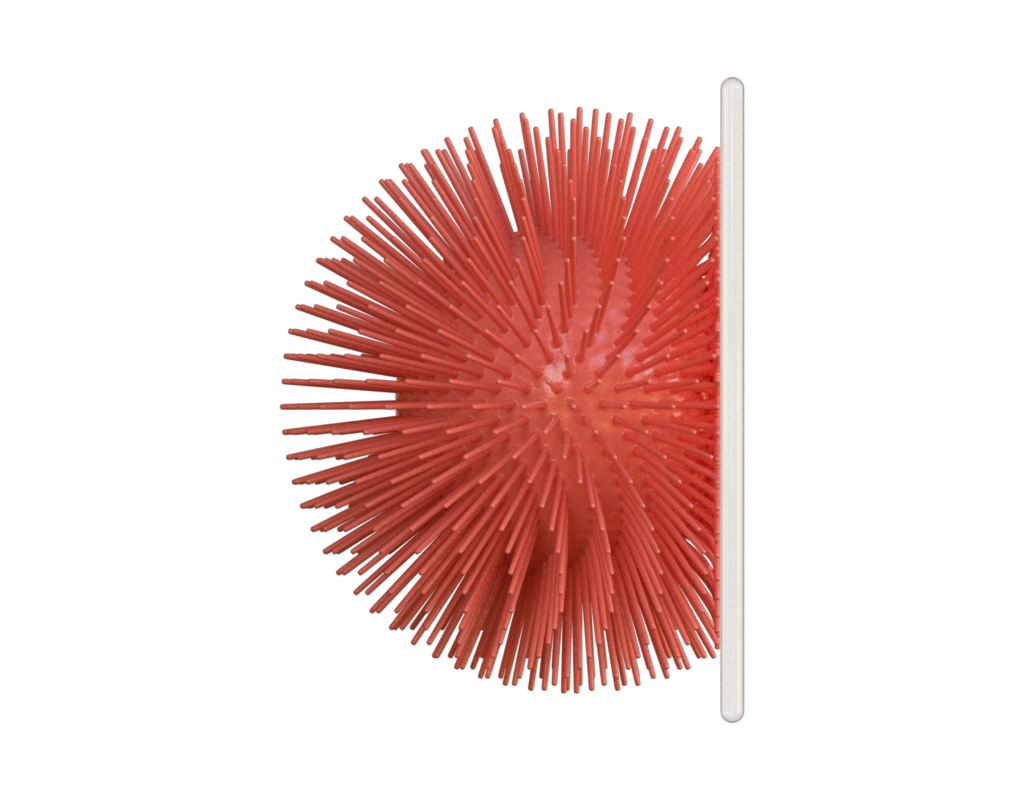
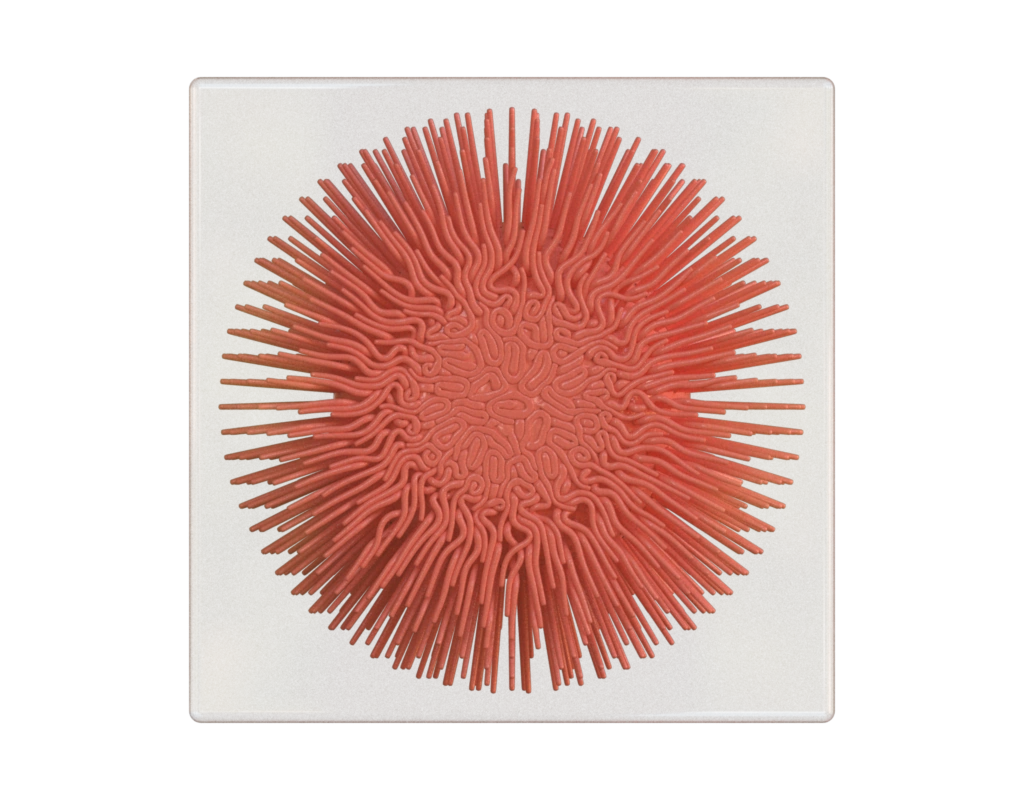
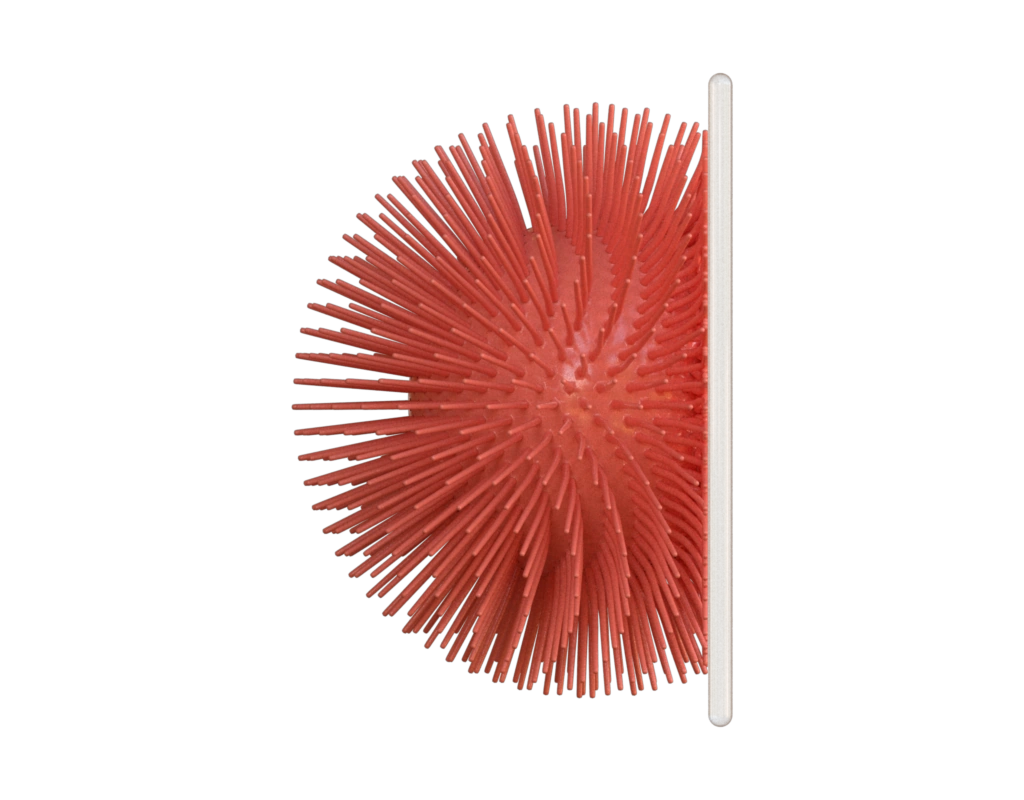
This example aims to reproduce Figure 22 from the paper "Incremental Potential Contact: Intersection- and Inversion-free Large Deformation Dynamics".
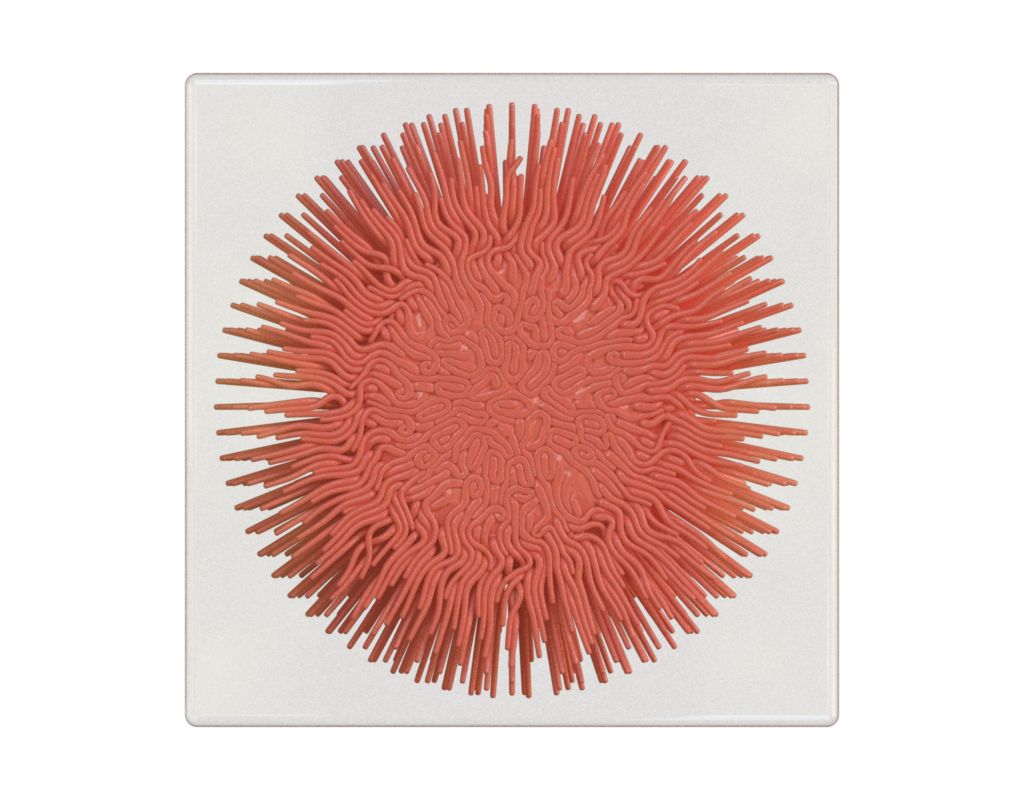
Data
The data were generated by compiling and running the original IPC code:
We used the output file 7.obj, 8.obj, 9.obj and 10.obj as data for this figure. The plate.obj file is generated by hand for visualization purposes.Input contract
ball: surface fromdata/10.obj; no pre-existing attributes required.plate: surface fromdata/plate2.obj; no pre-existing attributes required.
Reproduce and inspect
Python · Manifest · Inspection · Canonical JSON · Validation
Code
#!/usr/bin/env python

import hakowan as hkw
import math
import lagrange

hkw.set_default_backend("mitsuba")

# Step 1:
# Create a ball layer. The ball geometry will be speicified later.
# Approximate the original IPC figure with pinkish material.
# Note that Hakowan supports any valid CSS color names as well as hex code codes.
#
# See [CSS colors](https://www.w3schools.com/cssref/css_colors.php).

ball = hkw.layer().material("RoughPlastic", "salmon", alpha=0.02)

# Step 2:
# Create a plate layer containing the collision plate.
# Use glass-like material so one can see the collision-induced deformation clearly.

plate = hkw.layer("data/plate2.obj").material("ThinDielectric")

# Step 3: Declare the orthographic scene. The volume integrator remains a
# renderer-specific override.
scene = hkw.SceneSettings(camera=hkw.OrthographicCamera())
config = scene.to_config()
config.integrator = hkw.setup.integrator.VolPath()

# Step 4: Render!
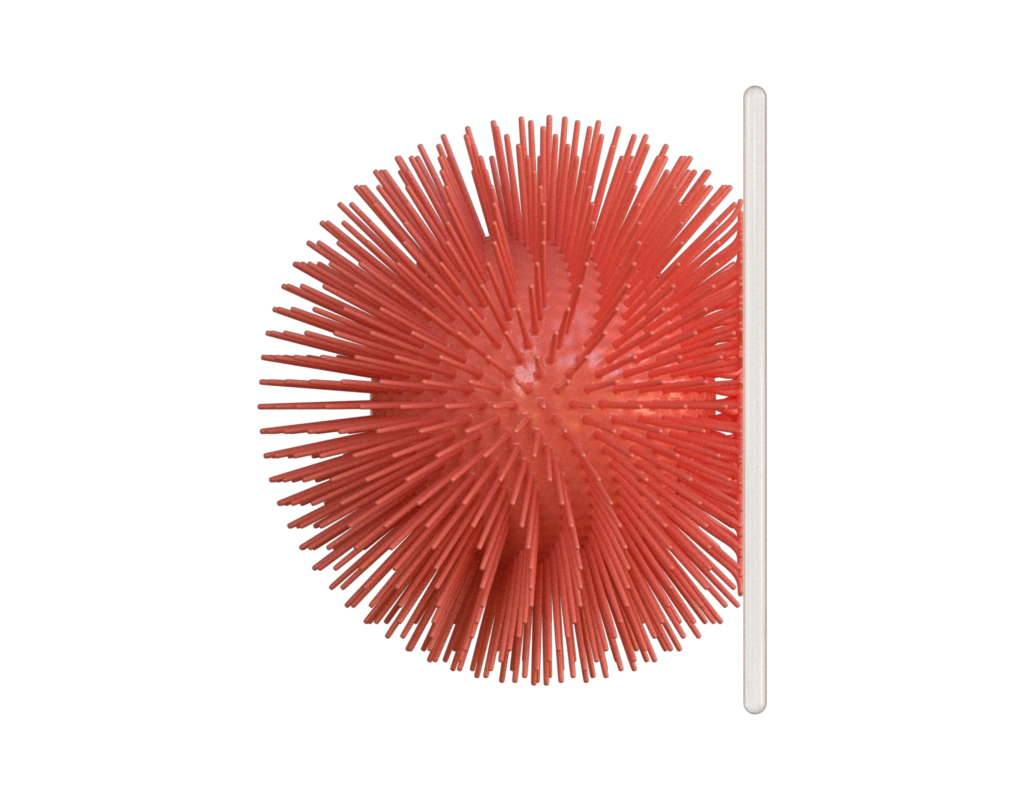
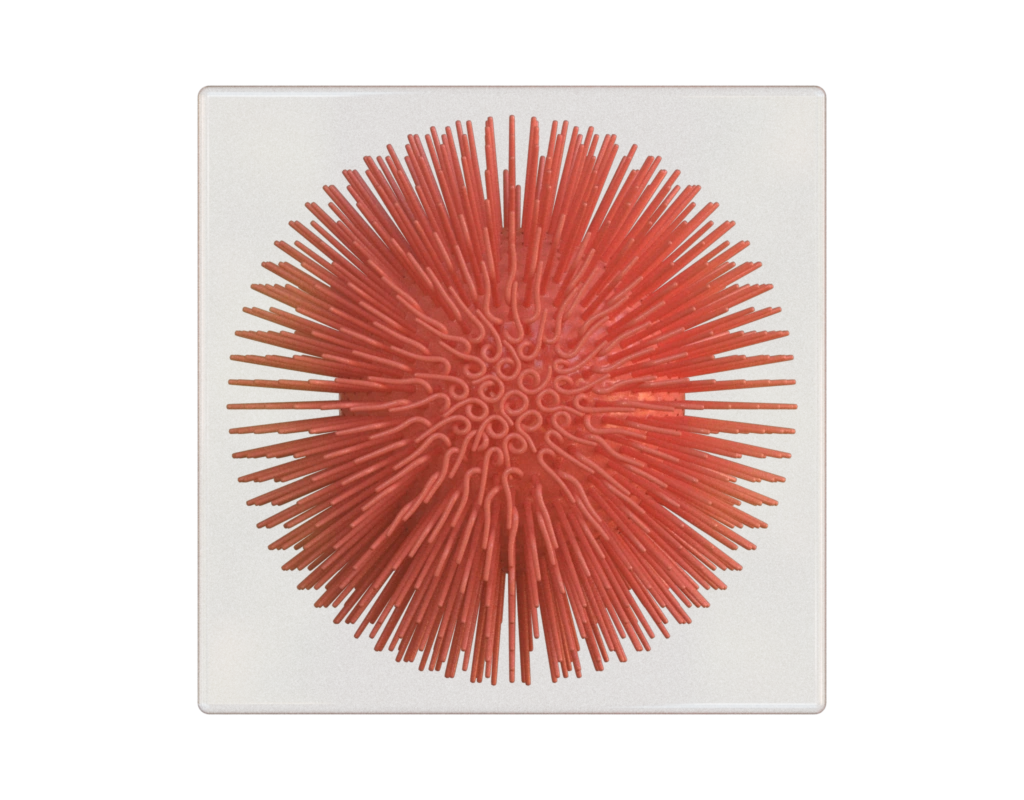
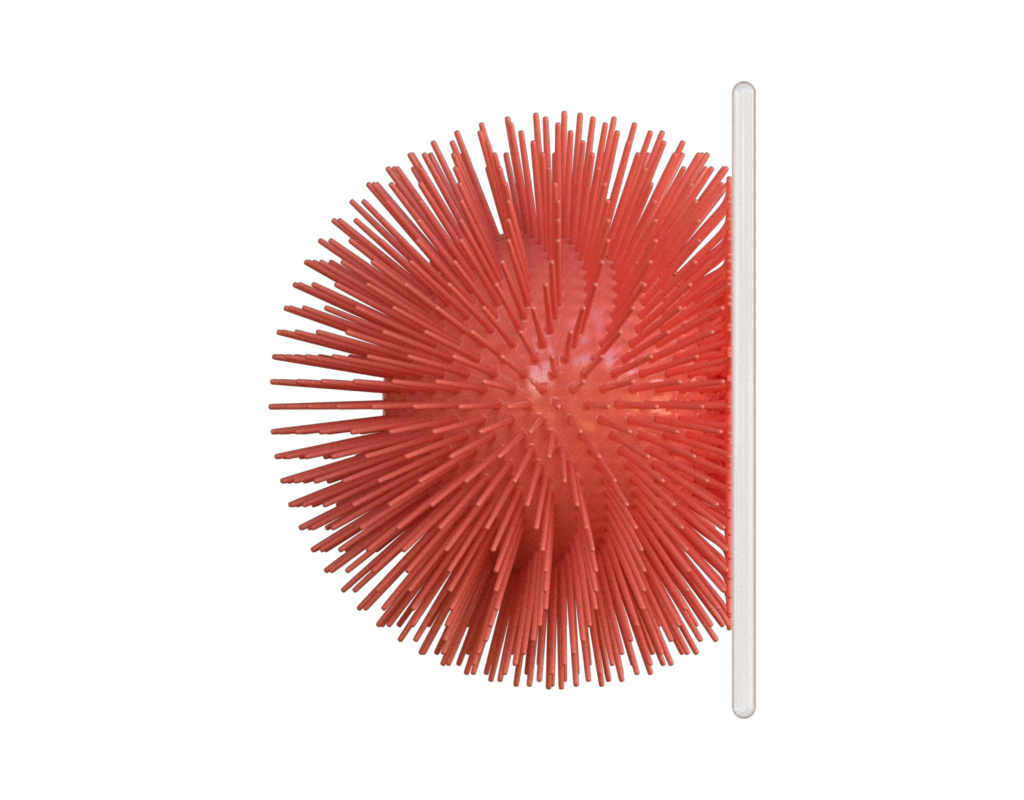
# We have 4 different results sampled at different time during the simulation.
# We will create two visualizations for each result: side view and back view.

for i in [7, 8, 9, 10]:
    frame_ball = ball.data(f"data/{i}.obj")

    # The side view shows the ball-plate collision from the side.
    side_view = frame_ball + plate
    hkw.render(
        hkw.Figure(side_view, scene),
        config,
        filename=f"results/ipc_side_{i}.webp",
    )

    # The back view shows the ball-plate collision from behind the plate.
    back_view = side_view.rotate(axis=[0, 1, 0], angle=-math.pi / 2)
    hkw.render(
        hkw.Figure(back_view, scene),
        config,
        filename=f"results/ipc_back_{i}.webp",
    )

# Export a decimated final collision state as an interactive WebGL demo.
interactive_mesh = lagrange.io.load_mesh("data/10.obj")
decimation_options = lagrange.decimation.DecimationOptions()
decimation_options.max_facets = 50_000
interactive_mesh = lagrange.decimation.decimate_quadric(
    interactive_mesh,
    decimation_options,
)
interactive_view = ball.data(interactive_mesh) + plate
RECIPE_FIGURE = hkw.Figure(side_view, scene)
RECIPE_INSPECTIONS = {"ball": "data/10.obj", "plate": "data/plate2.obj"}
hkw.render(
    hkw.Figure(interactive_view, scene),
    backend="webgl",
    filename="results/ipc.html",
)