Face UV
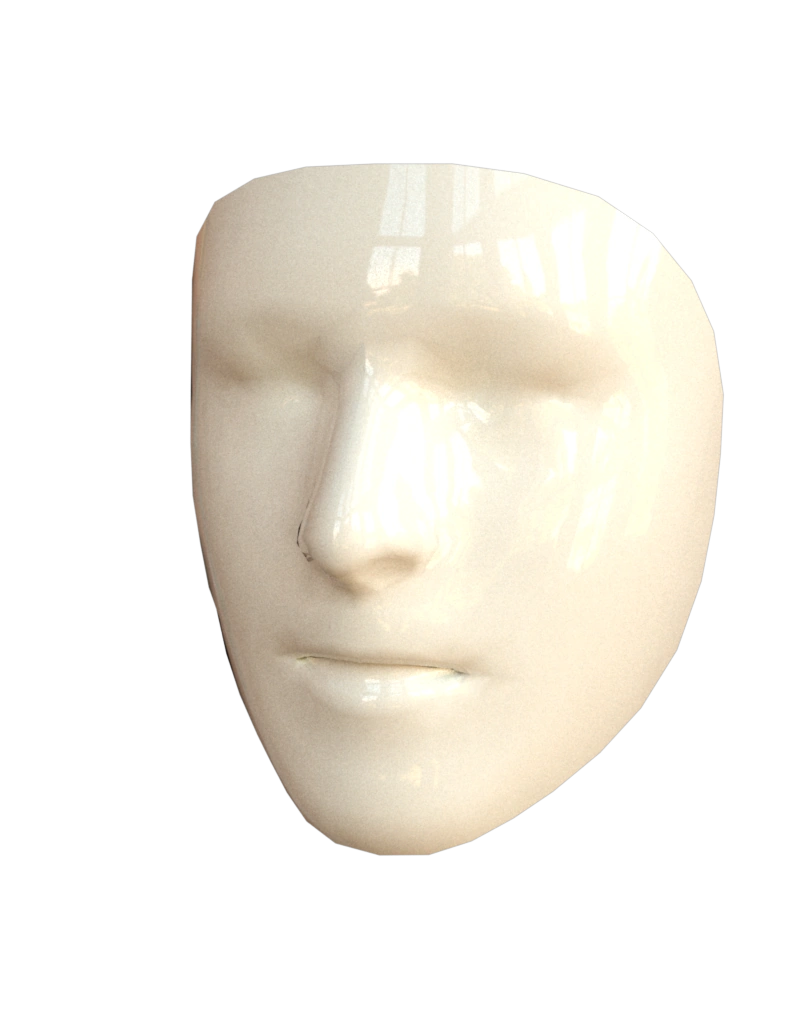
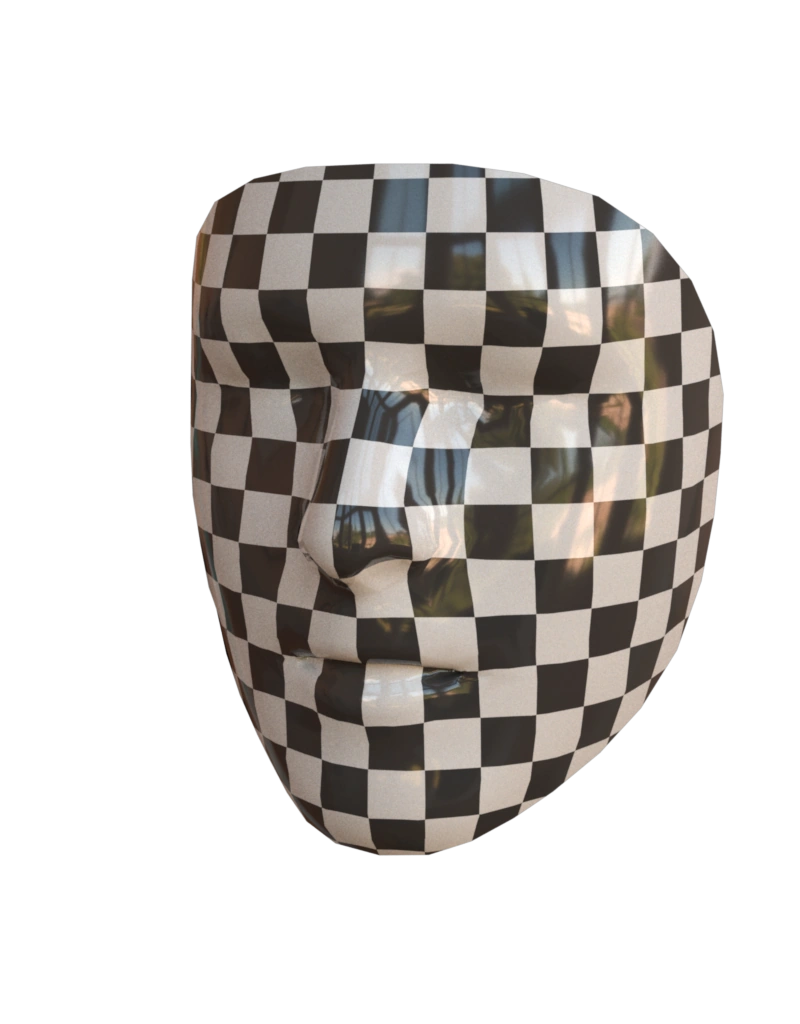
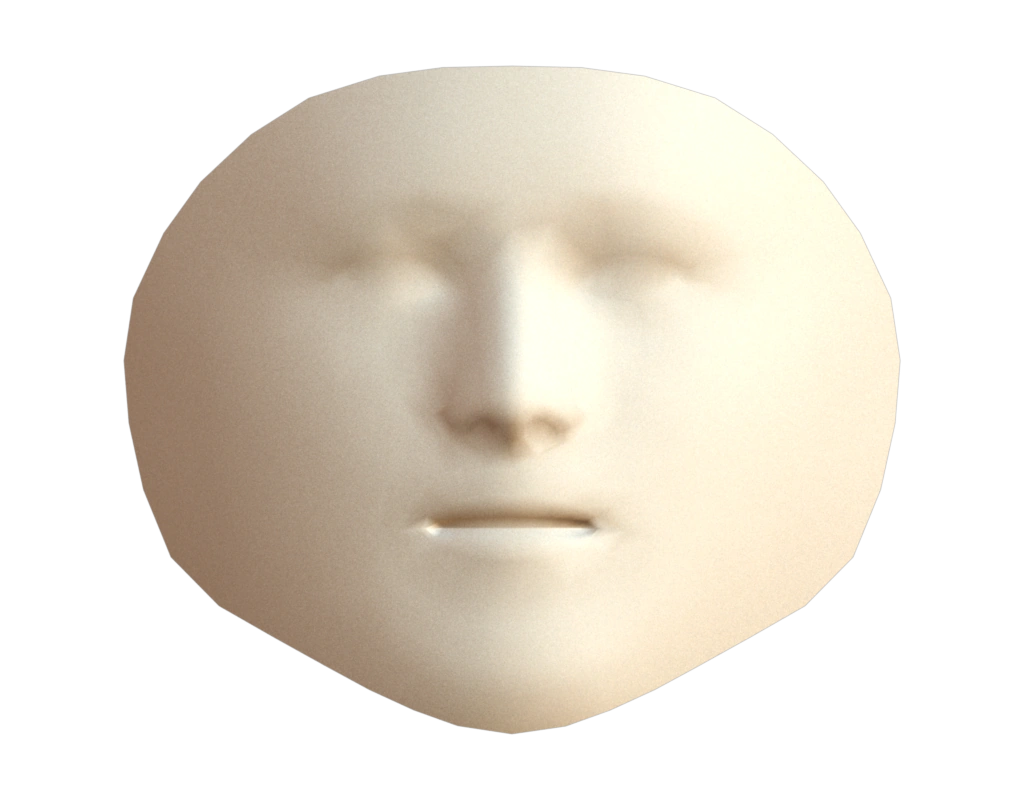
This example visualizes the UV coordinates of a face model in two ways. The first way uses checkerboard texture to visualize UV. The second way visualize the UV mesh with the 3D normal field.
Data
The face mesh is the connonical face model released by Google as part of the MediaPipe project (Apache-2.0 license).
Input contract
mesh: surface fromdata/canonical_face_model.obj; no pre-existing attributes required.
Reproduce and inspect
Python · Manifest · Inspection · Canonical JSON · Validation
Code
#!/usr/bin/env python

import hakowan as hkw

hkw.set_default_backend("mitsuba")

# Step 1: Set up reproducible portrait camera and output settings.
portrait_camera = hkw.PerspectiveCamera(eye=(1.0, 0.5, 3))
portrait_output = hkw.OutputSettings(width=800, height=1024)

# Step 2: Render the 3D face mesh.
face = (
    hkw.layer("data/canonical_face_model.obj")
    .name("Surface")
    .transform(hkw.transform.Normalize())
)
hkw.render(
    hkw.figure(face).camera(portrait_camera).output(portrait_output),
    filename="results/face.webp",
)


# Step 3: Render the 3D face mesh with checkerboard pattern.
face_checkerboard = face.name("Checkerboard").material(
    "Principled",
    color=hkw.texture.Checkerboard(size=8),
    roughness=0.1,
)
hkw.render(
    hkw.figure(face_checkerboard).camera(portrait_camera).output(portrait_output),
    filename="results/face_checkerboard.webp",
)

# Step 4: Render the UV mesh with 3D normal field.
face_uv = (
    face.name("UV layout")
    .transform(hkw.transform.Compute(vertex_normal="normal"))
    .transform(hkw.transform.UVMesh())
    .channel(normal="normal")
    .material("Diffuse", "ivory")
)
uv_figure = hkw.figure(face_uv).camera("orthographic").output(width=1024, height=800)
hkw.render(uv_figure, filename="results/face_uv.webp")

# Step 5: Interactive web demo
interactive = (
    hkw.figure(face.juxtapose(face_checkerboard, face_uv, normalize=True))
    .camera("fit", direction="front", margin=0.08)
    .output(width=1024, height=800)
)
RECIPE_FIGURE = interactive
RECIPE_INSPECTIONS = {"mesh": "data/canonical_face_model.obj"}
hkw.render(interactive, backend="webgl", filename="results/face_all.html")