Components
This example illustrates the disconnected components of a given mesh.
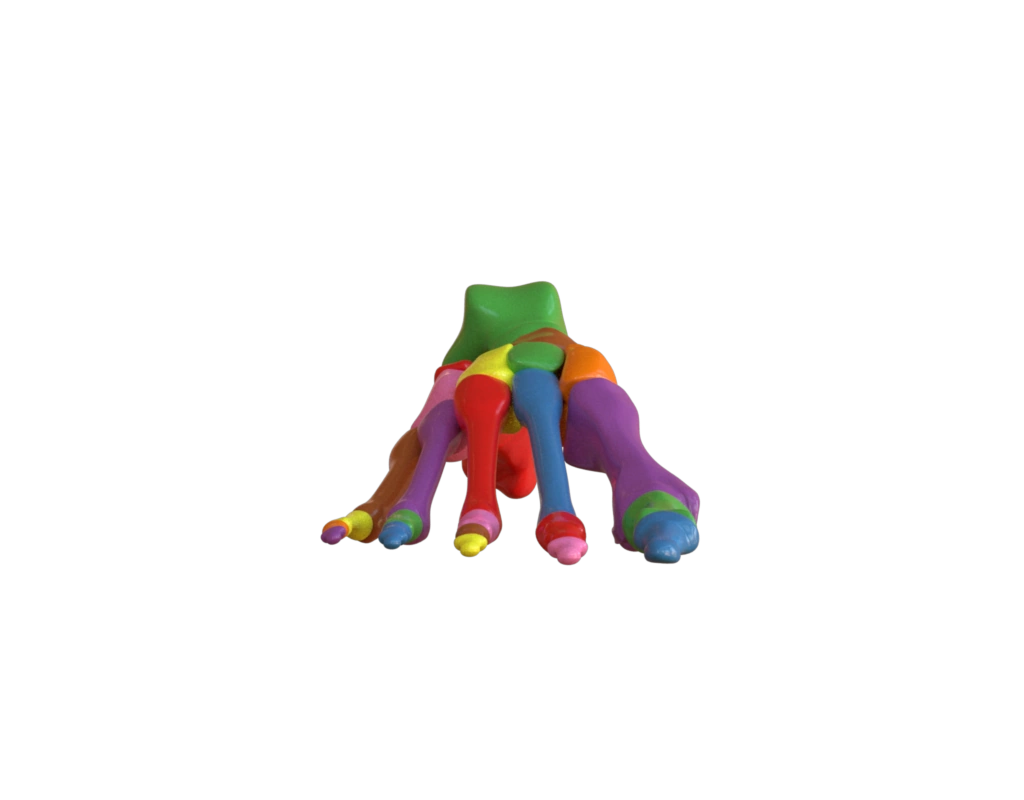
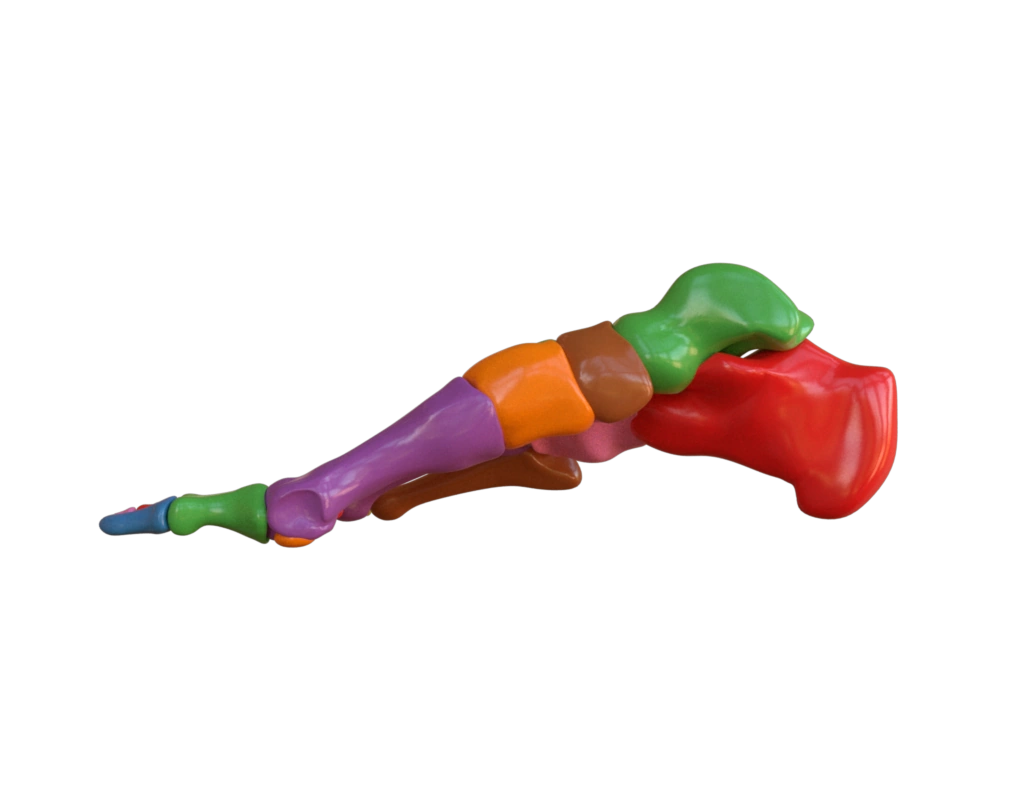
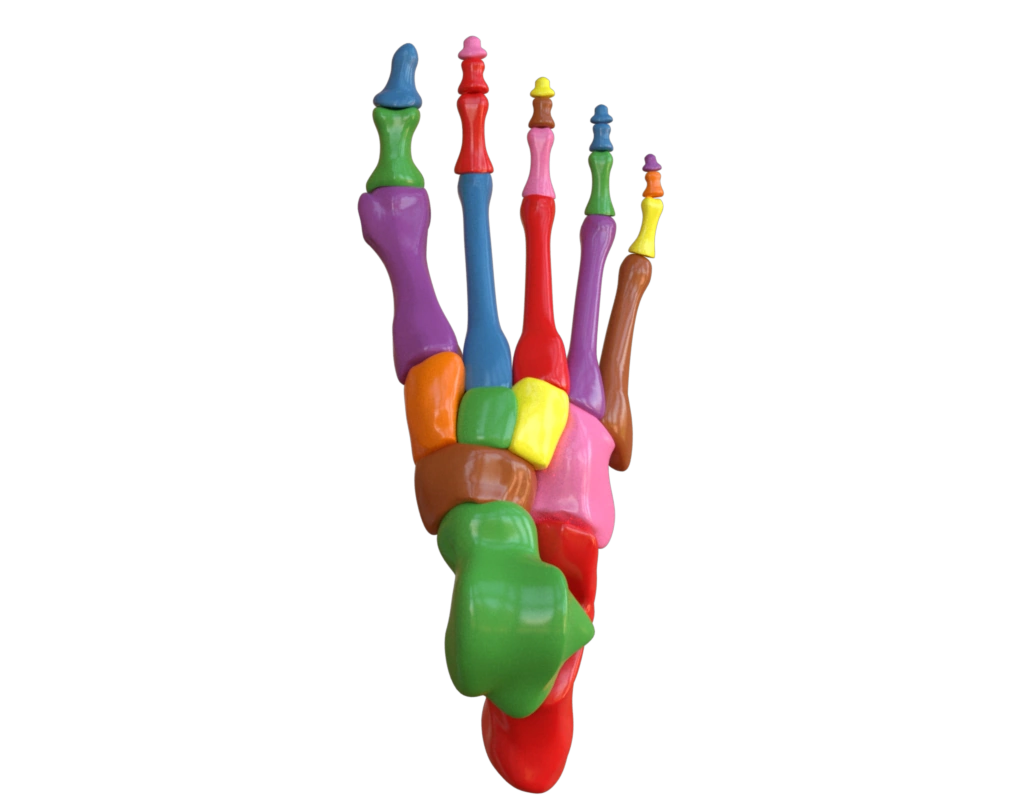
Data
The data used in this example is from "Anatomic Human Foot & Lower Extremity Version 2.0" designed by DrGlassDPM on on Thingiverse. The components can be computed via Lagrange:
mesh = lagrange.io.load_mesh("data/foot.msh")
lagrange.compute_components(mesh, output_attribute_name="comp")
Input contract
mesh: surface fromdata/foot.ply; no pre-existing attributes required.
Reproduce and inspect
Python · Manifest · Inspection · Canonical JSON · Validation
Code
#!/usr/bin/env python

import hakowan as hkw
import math

hkw.set_default_backend("mitsuba")

base = hkw.layer("data/foot.ply").name("Foot")
base = base.material(
    "Principled",
    color=hkw.texture.ScalarField(
        "comp",
        colormap="set1",
        categories=True,
        legend=hkw.Legend(title="Connected component"),
    ),
    roughness=0.2,
).transform(hkw.transform.Compute(component="comp"))

views = [
    ("front", base.rotate(axis=[0, 1, 0], angle=math.pi)),
    ("top", base.rotate(axis=[1, 0, 0], angle=math.pi / 2)),
    ("side", base.rotate(axis=[0, 1, 0], angle=math.pi / 2)),
]

scene = hkw.SceneSettings(
    camera=hkw.PerspectiveCamera(eye=(0, 0, 3.5)),
)

RECIPE_FIGURE = hkw.Figure(views[0][1], scene)
RECIPE_INSPECTIONS = {"mesh": "data/foot.ply"}

# Render front, top, and side views of the foot model using Mitsuba.
for name, view in views:
    hkw.render(hkw.Figure(view, scene), filename=f"results/foot_{name}.webp")

# Render an interactive top view using WebGL.
hkw.render(
    hkw.Figure(views[1][1], scene), backend="webgl", filename="results/foot.html"
)